Getting Started
This document explains how to build a digital garden using Simpesys.
Prerequisites
Simpesys requires Deno runtime version 2.0 or higher. The package is distributed through JSR (JavaScript Registry).
Quick Start
Simpesys offers a CLI tool, @simpesys/cli, to automatically scaffold a digital garden.
$ deno run -R -W -E -N jsr:@simpesys/cli init my-garden
$ cd my-garden
$ deno task start
After running these commands, you can check out your digital garden in the browser.
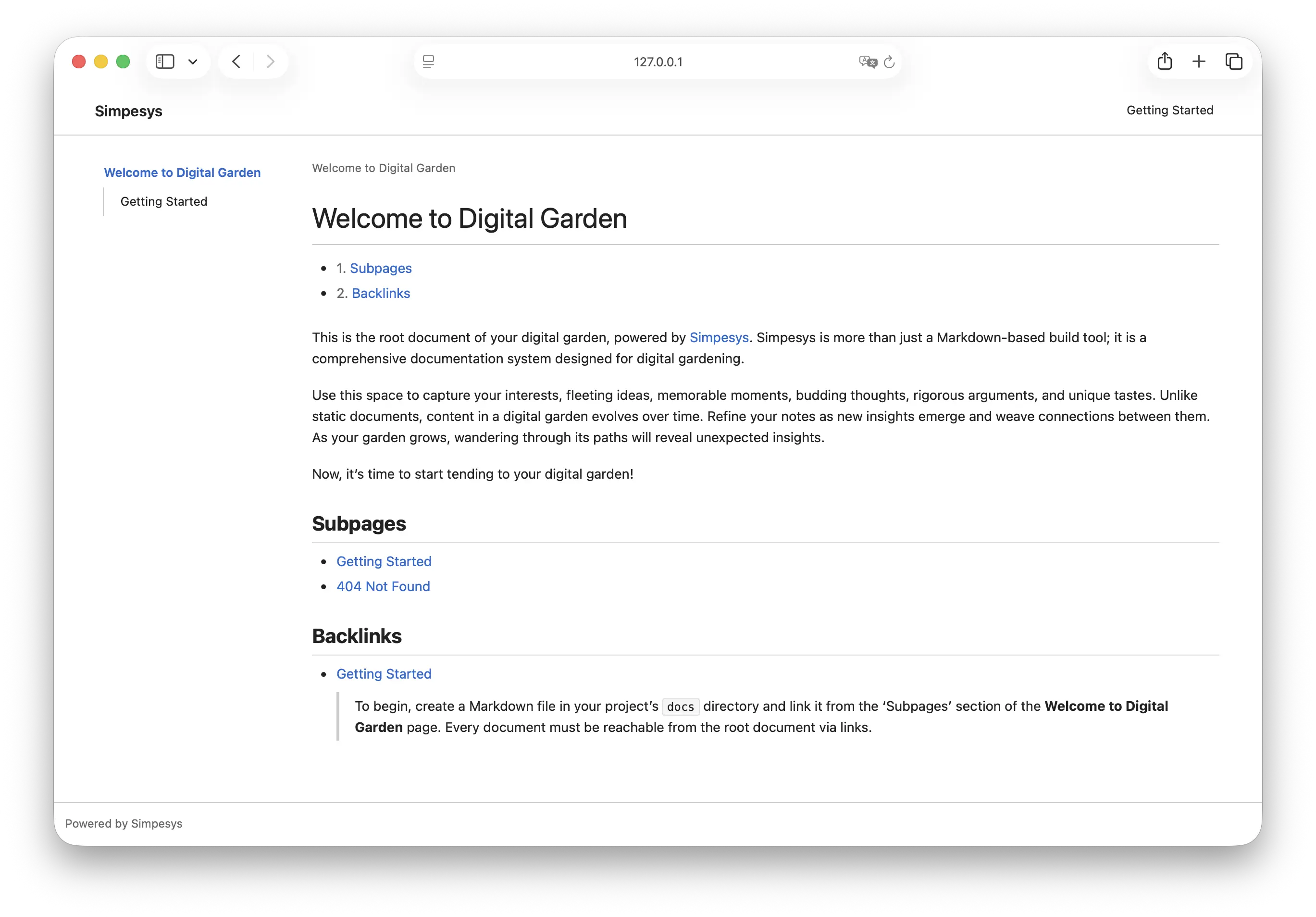
Since Simpesys is a documentation system, it stays decoupled from the application layer. The application handles how documents are served and how themes or styles are applied. Anyone is free to build and distribute their own application implementations.
To use a specific application, pass the --app flag to the CLI tool. The default application is jsr:@simpesys/app-wiki.
$ deno run -R -W -E -N jsr:@simpesys/cli --app jsr:@simpesys/app-bare init my-garden
Manual Setup
If you prefer not to use the CLI tool, you can scaffold the project manually. Run the following command to create a my-garden directory and initialize a Deno project:
$ deno init my-garden
A Simpesys project consists of an app directory and a docs directory. The app directory holds application implementation code, while the docs directory contains Markdown documents.
my-garden/
├── deno.json
├── app/
│   └── main.ts
└── docs/
    ├── index.md
    └── 404.md
Run the following commands to navigate to the my-garden directory, create the app and docs directories, and create empty files in each:
$ cd my-garden
$ mkdir app docs
$ touch app/main.ts docs/index.md docs/404.md
The document storage path defaults to the docs directory but can be configured using the config.project.docs option.
Package Installation
Inside the my-garden directory, use the deno add command to add the @simpesys/core package to the project:
$ deno add jsr:@simpesys/core
This command adds an import mapping to deno.json:
{
  "imports": {
    "@simpesys/core": "jsr:@simpesys/core"
  }
}
Writing Documents
All Markdown documents must begin with a title. The level 1 heading in Markdown syntax becomes the document title. Using your preferred editor, create the index.md document in the docs directory as follows:
# Index

### Subpages

- [[404]]
Documents listed under the Subpages section become subdocuments of that page. Simpesys only builds documents that are reachable from the root document through links. The subdocument section title can be configured using the config.docs.subdocumentsSectionTitle option.
Next, create the 404.md document:
# Not Found
Application Implementation
In the main.ts file inside the app directory, implement an application that initializes Simpesys and builds documents. The following minimal example outputs information about the index.md document to the console:
import { Simpesys } from "@simpesys/core";

const simpesys = await new Simpesys().init({ syncMetadata: true });

const document = simpesys.getDocument("index");
console.log(document);
The Simpesys constructor accepts a configuration object. The init() method loads and builds all documents. Setting the syncMetadata option to true generates and updates a metadata file for documents during the build process.
Execution
Running the application requires the following Deno permissions:
| Permission | Flag | Purpose |
|---|---|---|
| Read | --allow-read or -R |
Reading Markdown files and metadata |
| Write | --allow-write or -W |
Writing metadata files (when syncMetadata is enabled) |
| Environment | --allow-env or -E |
Accessing environment variables |
Run the application with the following command to view information about the index.md document in the console:
$ deno run -R -W -E app/main.ts
If the syncMetadata option was set to true, a simpesys.metadata.json file will be created after running the application.
Web Framework Integration
The easiest way to serve a document tree built with Simpesys as a website is to use a web framework. Simpesys provides Markdown documents converted to HTML. The following is an example app/main.ts file written using Hono:
import { Simpesys } from "@simpesys/core";
import { type Context, Hono } from "@hono/hono";

const simpesys = await new Simpesys()
  .init({ syncMetadata: Deno.env.get("ENV") !== "production" });

const app = new Hono();

function documentResponse(id: string, c: Context) {
  let document = simpesys.getDocument(id);

  if (!document) {
    c.status(404);
    document = simpesys.getDocument("404")!;
  }

  return c.html(document.html);
}

app.get("/:id", (c) => {
  const id = c.req.param("id");
  return documentResponse(id, c);
});

app.get("/", (c) => {
  return documentResponse("index", c);
});

Deno.serve(app.fetch);
Run the above application with the following command to start a local server:
$ deno run -R -W -E -N app/main.ts
Listening on http://0.0.0.0:8000/ (http://localhost:8000/)
Editor Integration
Simpesys provides an LSP server implementation to enhance the editing experience with features like link autocompletion and document title previews.
- NeoVim: simpesys.nvim
Backlinks
- Simpesys
-
For detailed instructions on building a digital garden with Simpesys, see the Getting Started document.
-